

This post contains affiliate links please see the Disclosure and Privacy Policy page for full disclosures here.
Disclaimer: I received a FREE copy of this product through the HOMESCHOOL REVIEW CREW in exchange for my honest review. I was not required to write a positive review nor was I compensated in any other way.

I am super excited to tell you about this amazing reading program that C has been using. She has been using the MaxScholar Orton-Gillingham Software from MaxScholar. She has loved this program and has asked for it everyday!
Student Expereince
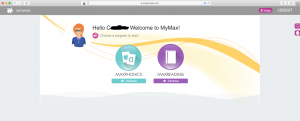
C has been mostly working on the MaxPhonics program. She did the assessment, but there was a problem with it saving as she did it in two days. On the third day it looked like she was repeating the same assessment, so I finished the assessment using my observations from the other days. The program placed her in the lowest phonics program, PreK. This was a great placement for her.
Each letter was presented individually in groups of 4 or 5 consonants and a vowel. The letter name, sound and a word that started with the letter were presented first in a flashcard manner. Then, the program taught her how to write the letters. This was amazing, because that is usually missing out of other phonics programs. It is usually all about reading the letters and little focus is put on writing the letters which can be learned together. The last part of the learning activities was her favorite because she got to pick the pictures of words that started with the letter.
After she learned a letter, she was “tested” on the letter. The test was presented very similarly to the lesson. If she missed something on the test, she was sent back to review the lesson again. After each letter was passed in the group, she took a master quiz on the section.
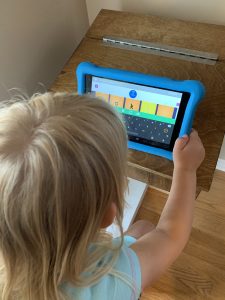
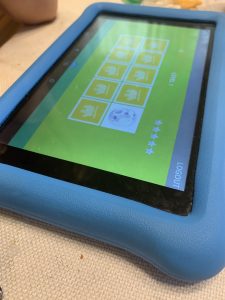
She also really loved the matching game in the MaxPhonics program. She would play one of those and then do her lesson everyday. She loved doing the harder levels, but those took a bit more intervention from me.
She also worked on the MaxReading some, but it was a bit more difficult. In the first set of these lessons, she was given a picture to look at and had to answer some questions. There was a speaker button where the question and answers would have been read to her, but I choose to read them to her so that I could help her pick the answer she wanted. There were a lot of new concepts in this section such as main idea, details, etc. We will continue to work on this section throughout the summer.
Teacher Experience
The teacher experience was great too! I loved the teacher dashboard. I was able to pull up a report of all her progress. The overall progress screen showed how much progress she had made in all the programs. It also showed how much time she spent in all of the programs. The MaxWords, MaxMusic, MaxPlaces, and MaxBios were not available to her (based on her ability). I did one of the Max Music lessons and game and it was very difficult so I didn’t open that up to her to do. If your child is older, you can look at the percentage of where they are spending their time. This is great if you need to records for homeschool reporting.
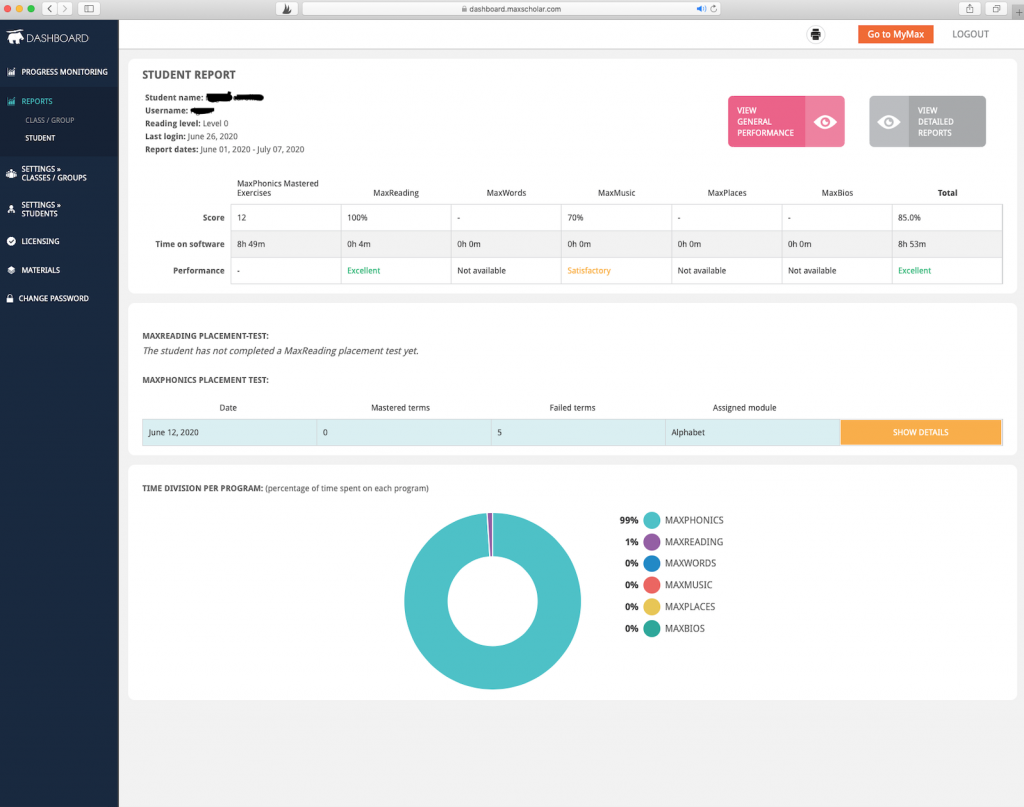
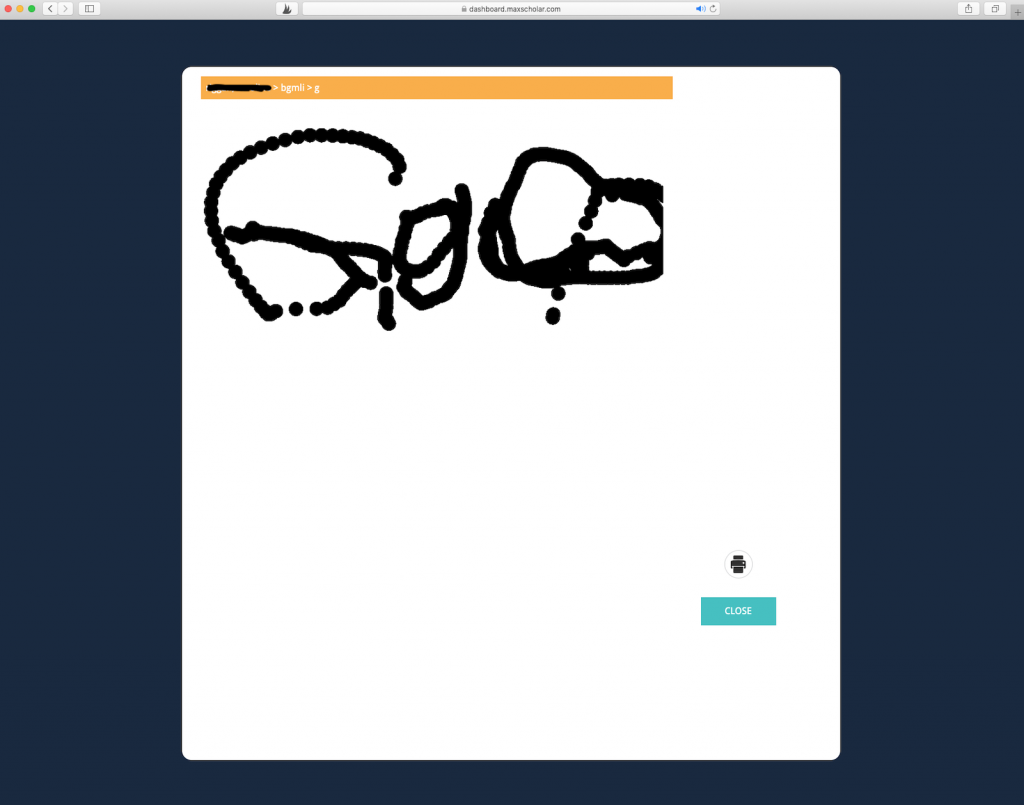
There are also more detailed reports in MaxPhonics that show what letters she has completed and even the letters she wrote. I loved going back and looking at her letters. She loved tracing the “little” letters, but she also would add the “big” letters to these which also showed up on her reports.

Favorite Features
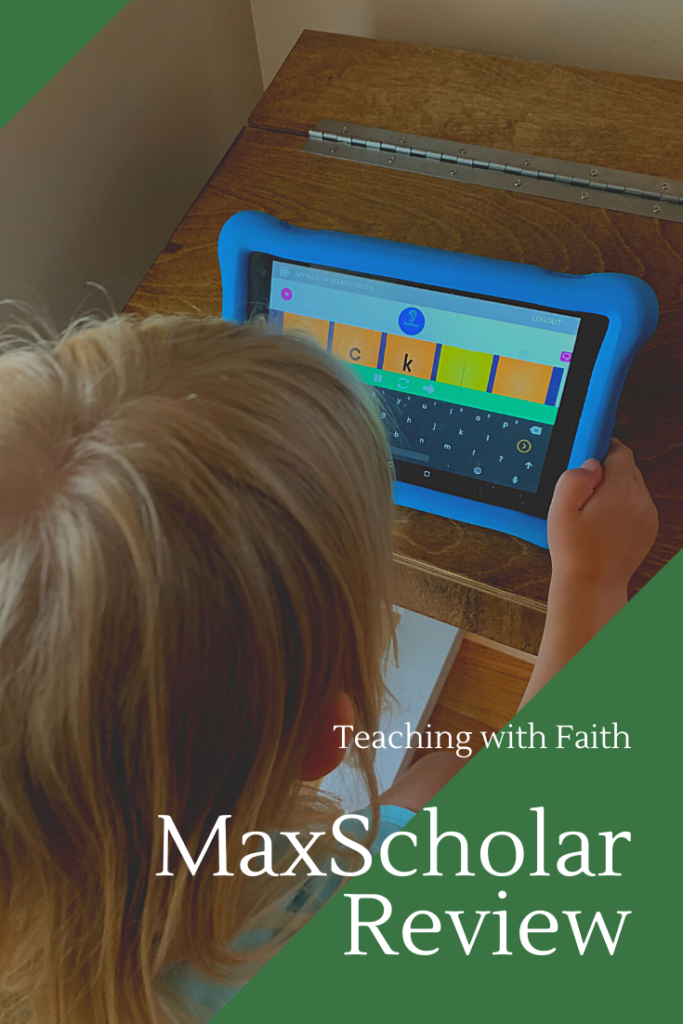
One of my favorite features was the fact that we could do this program on her tablet. This meant that she could work on the program on her own, but she did have to stay focused which caused her to miss some here and there. I just set her up and she would go!
Another feature that I loved was being able to manipulate her lessons from the teacher dashboard. I could go in and switch her to a harder lesson if I thought it would be beneficial for her. I found this feature a little late and didn’t want her to get discouraged from starting again, so I left her progress alone.
MaxScholar has a wide range of programs to met your child at his or her own level. Click below to read how others from the Homeschool Review Crew used MaxScholar in their homeschools!





One Comment